




ID (EN)
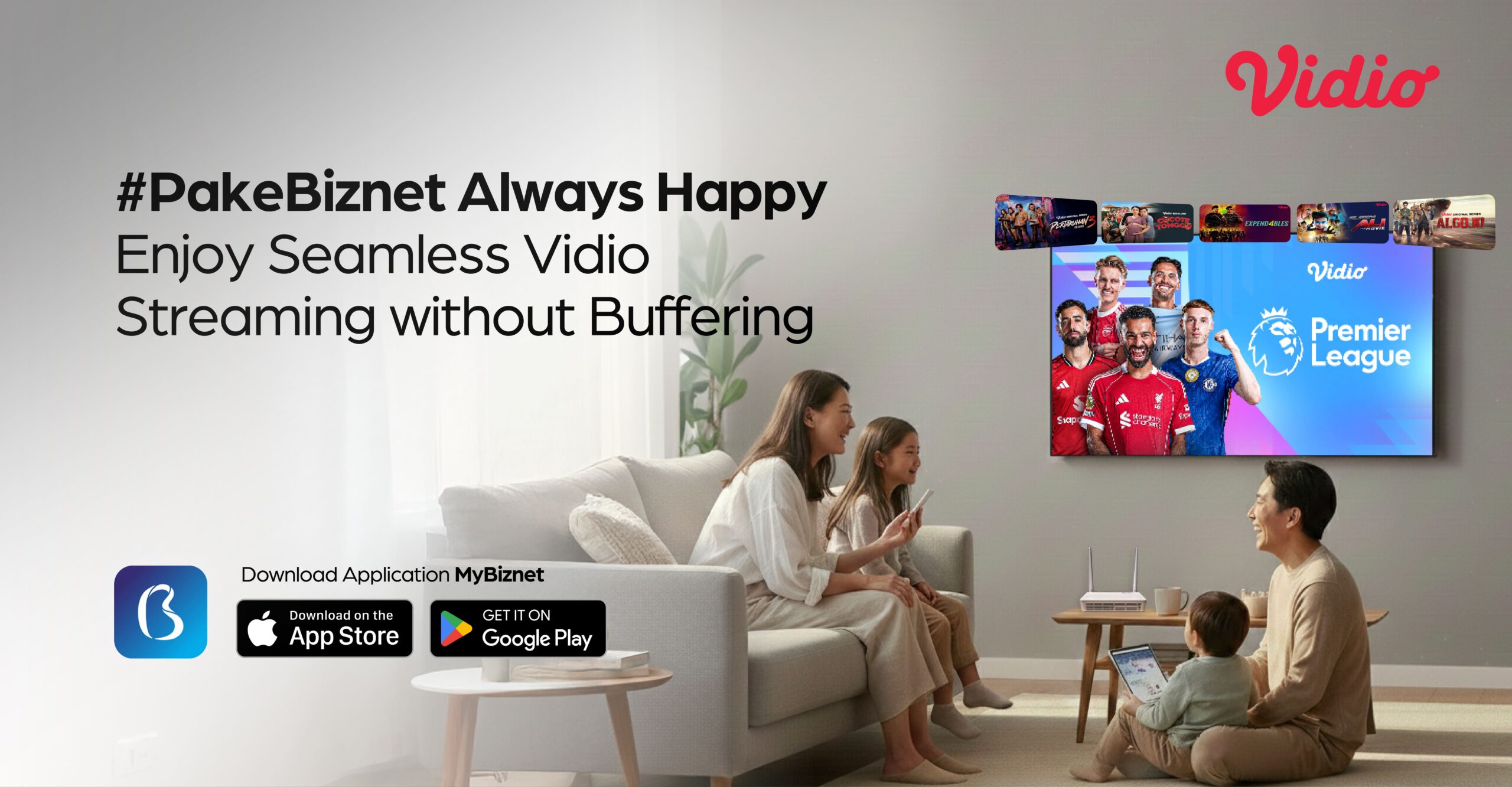
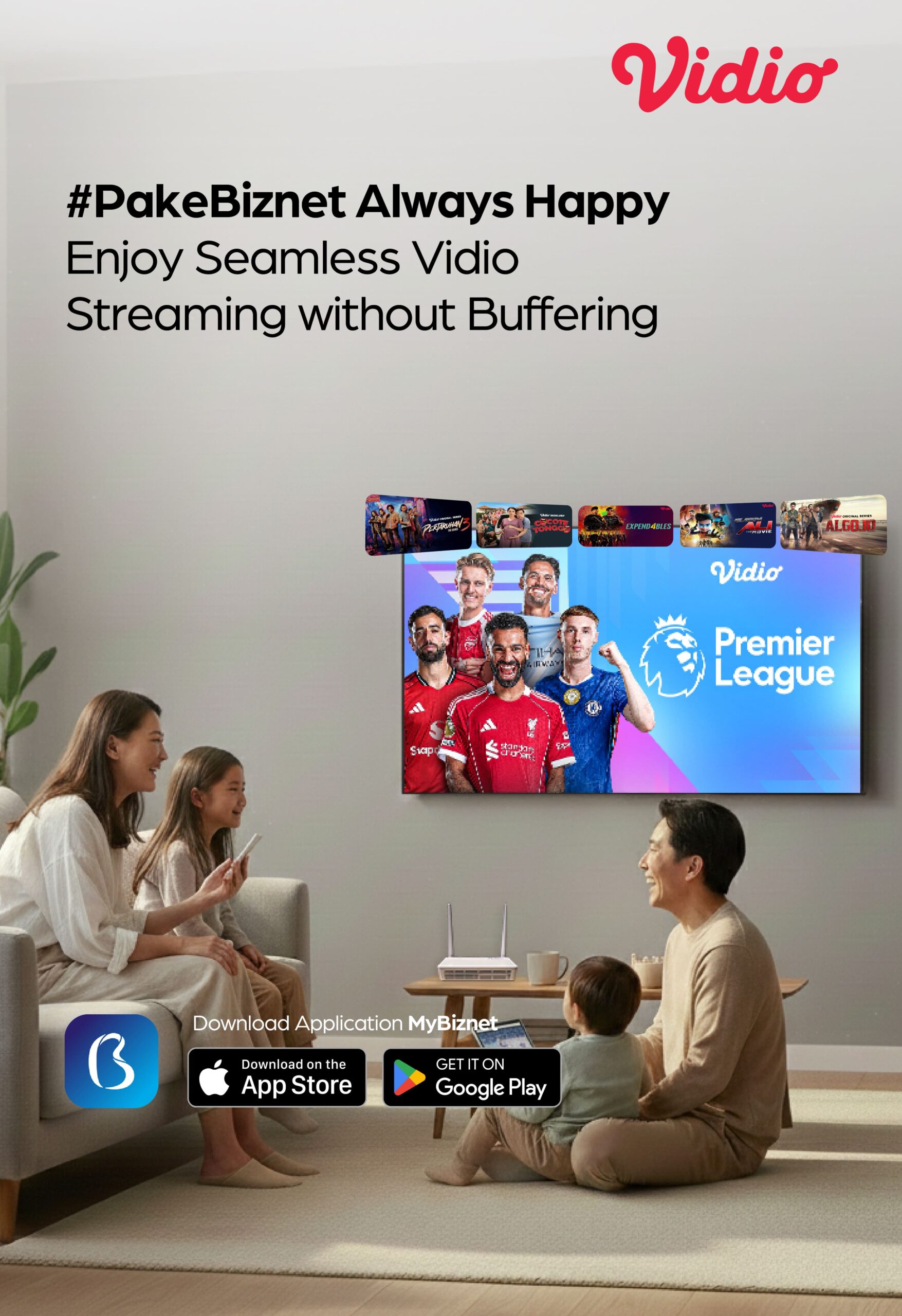
Accessible on All Devices
Stay connected and enjoy Vidio on any device from smartphone, tablet, laptop, smart TV.
On-Demand Streaming
Watch your favorite shows from Vidio anytime and anywhere, without having to follow TV schedules.
Wide Variety of Personalized Content
A wide variety of content ranging from movies and series to local and international content, with recommendations tailored to user preferences.
The Most Complete Sports Content
Access sports content including the Premier League, BRI Super League 1, UEFA Champions League, Europa League, Serie A, La Liga, NBA, Proliga, WTA Tennis, and more.
Local Original Series
Discover various genres from drama and comedy to action featuring Indonesia’s best actors.
Simulcast Korea & Anime
No more waiting for new episodes of thousands of videos from TV, local films, Asia, Hollywood, and favorite Kids programs.
Special for Biznet IPTV customers, starting in November 2025, you will receive a free Vidio Lite service package. Offering a variety of entertaining shows from Vidio, ranging from movies and series to favorite sports programs. For terms and conditions, please check here.
FAQ
Do Biznet customers automatically get the Vidio Platinum, Platinum Extra, or Ultimate package?
No. Vidio Platinum, Platinum Extra, and Ultimate are add-on packages. Customers must purchase and complete payment through the MyBiznet app based on the selected package.
Will Biznet IPTV customers automatically get the Vidio Lite package?
Yes. All Biznet IPTV customers automatically receive access to Vidio with the Vidio Lite package.
What content is available with the Vidio Lite package?
With the Vidio Lite package, customers can access the following content::
- Vidio Original Series and Vidio Exclusive content.
- Local Sports, including BRI Super League, Livoli and Pro Liga (exclued Indonesian National Team matches).
- Linear TV Channels (exclude International sports content).
- Hollywood & Korean content.
- Kids & Anime content.
Can Biznet IPTV customers purchase Vidio packages as add-ons?
Yes. Biznet IPTV customers with an active Vidio Lite package can purchase other Vidio packages as add-ons. If an add-on is purchased while Vidio Lite is still active, both packages will run at the same time on the same Vidio account.
What if a Biznet customer already has a Vidio package and wants to purchase an add-on?
Vidio add-on packages can be purchased through the MyBiznet app. The selected add-on package will be active for 30 days, and both packages will be active at the same time on the same Vidio account.
How do I log in to Vidio as a Biznet customer?
Follow these steps to log in to your Vidio account:
- Make sure you are subscribed to Biznet
- You will receive a verification email with a link to set your password. Click the link and follow the instructions. Make sure you use the same email address registered with your Biznet service.
- Log in via the Vidio app or website:
- Open the Vidio app or visit www.vidio.com
- Click Login in the top-right corner
- Select Login with Email
- Enter your email and password
- Once logged in successfully, you can start watching available content.
Where can I watch Vidio content with Platinum, Platinum Extra, or Ultimate packages?
You can watch Vidio on smartphones, tablets, and TVs, or through web browsers on Android and iOS devices.
Can I watch Vidio on more than one devices at the same time?
No. The Vidio Lite package can only be used on one device at a time.
How can I change the email address used for my Vidio account?
You can change your email address through the Vidio app by following these steps:
- Log in to your Vidio account using the email linked to your Biznet account.
- Go to Settings.
- Select Account Settings.
- Enter your new email address for verification.
- After verification is complete, your Vidio account email will be updated automatically.
What if I already have a Vidio account using the same email as my Biznet account?
If you already have a Vidio account with the same email address registered on your Biznet account, you can log in directly to the Vidio app.
